
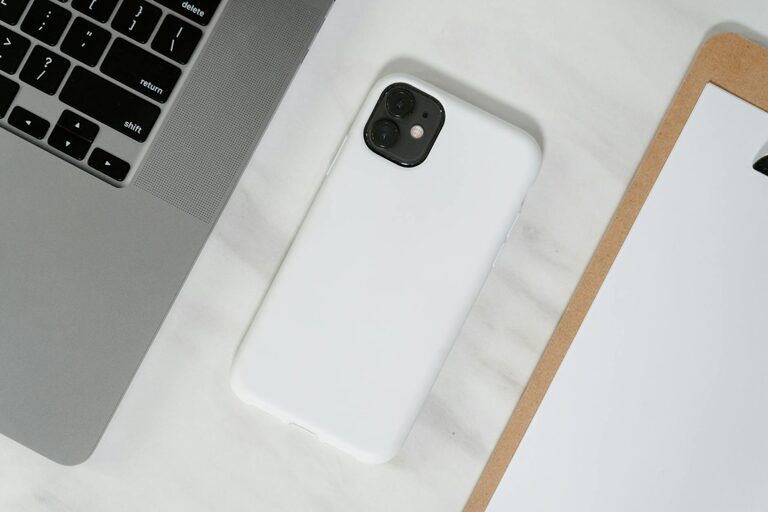
Keeping your phone and keyboard clean is essential in today’s world, especially since these devices are used daily and tend to accumulate dirt, oils, and germs. However, cleaning electronics requires care to avoid damage. In this guide, you’ll learn safe, simple methods to clean your phone and keyboard effectively without risking any harm.
Why Clean Your Phone and Keyboard?
Phones and keyboards are among the most frequently touched items we use. Over time, dust, grease, skin cells, and bacteria can build up on surfaces, leading not only to an unpleasant look and feel but also potential health concerns. Regular cleaning helps maintain hygiene, improves device performance, and extends the lifespan of your gadgets.
What You’ll Need for Safe Cleaning
Before you start, gather some basic supplies:
– Microfiber cloths (soft and lint-free)
– Isopropyl alcohol (70% or less recommended) or pre-moistened electronic wipes
– Cotton swabs or soft brushes (for crevices)
– Distilled water (optional, for gentle cleaning)
– Compressed air can (optional)
Avoid harsh chemicals like bleach, ammonia, or abrasive cleaners, as these can damage screens and keys.
How to Clean Your Phone Safely
Step 1: Power Off Your Phone
Always turn off your phone and unplug cables before cleaning. This prevents accidental inputs and reduces the risk of damage.
Step 2: Remove Cases and Accessories
Take off phone cases, screen protectors, and other accessories. These can usually be cleaned separately with mild soap and water.
Step 3: Wipe Down the Exterior
Dampen a microfiber cloth slightly with a 70% isopropyl alcohol solution or use electronic device wipes. Wipe the phone’s screen, back, and sides gently. Avoid using excessive liquid to prevent moisture from seeping into the device.
Step 4: Clean Hard-to-Reach Areas
Use a dry cotton swab or a soft brush to clean around buttons, speaker grills, and ports. Avoid inserting cotton swabs into ports.
Step 5: Dry Your Phone
Use a dry microfiber cloth to remove any remaining moisture. Let the phone air dry for a few minutes before powering it back on.
Tips for Phone Cases
Plastic and silicone cases can be washed with warm water and mild soap. For leather cases, use leather cleaner and conditioner per manufacturer instructions.
How to Clean Your Keyboard Safely
Step 1: Unplug or Turn Off the Keyboard
If you have a wired keyboard, unplug it. For wireless keyboards, power them off or remove batteries.
Step 2: Remove Debris
Turn the keyboard upside down and gently shake it to dislodge loose debris like crumbs and dust. You can also use a can of compressed air to blow out particles from between the keys.
Step 3: Clean the Surfaces
Lightly dampen a microfiber cloth with a mixture of distilled water and isopropyl alcohol (about a 1:1 ratio). Wipe down the keys and surface of the keyboard. Avoid using too much liquid to prevent moisture seeping underneath keys.
Step 4: Detail Cleaning Between Keys
Dip cotton swabs in the cleaning solution (squeeze out excess liquid) and carefully clean between the keys. Soft brushes can also help reach tight spaces.
Step 5: Let It Dry
Allow the keyboard to dry completely before plugging it back in or powering it on. This typically takes a few minutes.
Additional Tips for Mechanical Keyboards
If you have a mechanical keyboard, you may be able to remove keycaps for deep cleaning. Check your keyboard’s manual for instructions before removing keycaps. Wash keycaps in warm soapy water and dry fully before reinstalling.
General Maintenance Tips
– Clean your devices regularly, ideally once every 1-2 weeks.
– Wash your hands before using devices to reduce buildup.
– Avoid eating near your keyboard or phone.
– Store devices in clean environments when not in use.
What Not to Do When Cleaning Electronics
– Don’t spray liquids directly on devices.
– Avoid bleach, ammonia, or abrasive cleaners.
– Don’t use paper towels or rough cloths as they can scratch surfaces.
– Don’t soak any part of your device in water or cleaning fluids.
Final Thought
Keeping your phone and keyboard clean is a simple yet important habit that helps maintain device hygiene and longevity. By following these safe cleaning steps, you’ll enjoy cleaner gadgets without the worry of damage. Happy cleaning!
—
Feel free to share this guide with friends or family to help everyone keep their devices spotless and safe!